Can I use my iPhone as a webcam for my Mac?
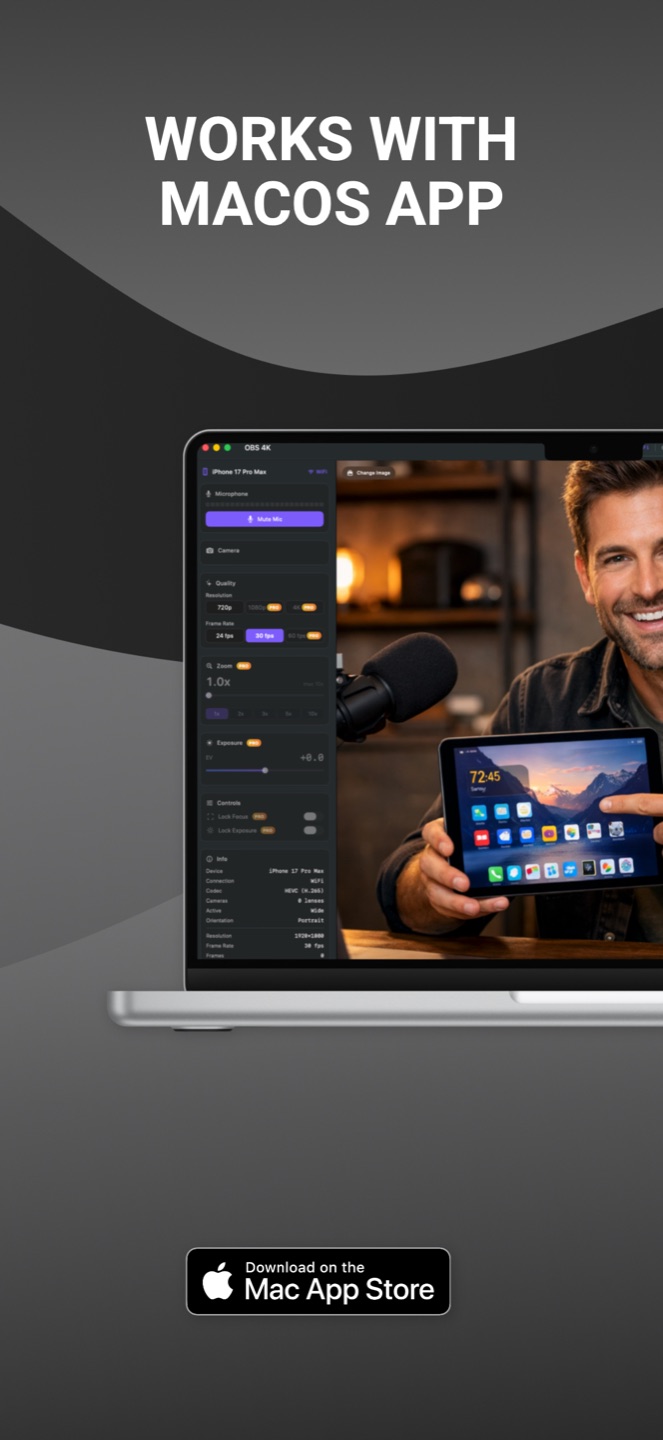
Yes. OBS 4K turns your iPhone into a professional 4K webcam for your Mac. Install the iPhone app and the Mac companion, and your iPhone appears as a virtual camera in Zoom, Teams, OBS Studio, and any app that supports virtual cameras — over USB or WiFi.
How is this different from Apple's Continuity Camera?
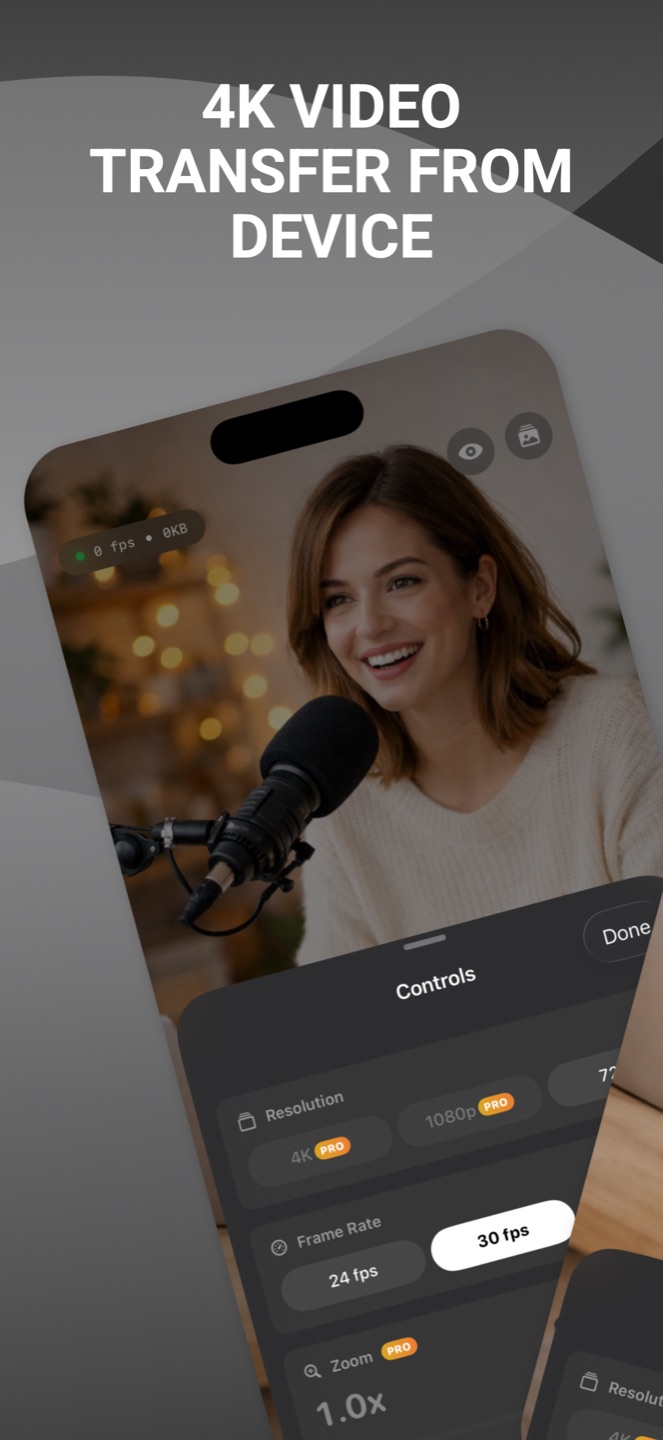
Continuity Camera tops out below 4K and gives you little control. OBS 4K streams true 4K with H.265 hardware encoding, lets you pick resolution and lens, works over USB for zero latency, and includes a screen curtain mode for long sessions.
Does it work with Zoom, Teams and OBS Studio?
Yes. The Mac companion installs a system virtual camera, so OBS 4K shows up as a webcam in Zoom, Microsoft Teams, Google Meet, OBS Studio, and every other app that accepts virtual cameras.
USB or WiFi — which should I use?
Both work. USB gives zero-latency streaming and charges your iPhone while you stream — best for long calls and recording. WiFi gives full wireless freedom for flexible camera placement. OBS 4K auto-discovers your Mac via Bonjour.
Is my video private?
Completely. Your camera stream travels only between your iPhone and your Mac — over your local network or USB cable. No video data ever touches the internet. Read the full privacy policy.